Hacker News Mcp Server

Overview
What is hn-server?
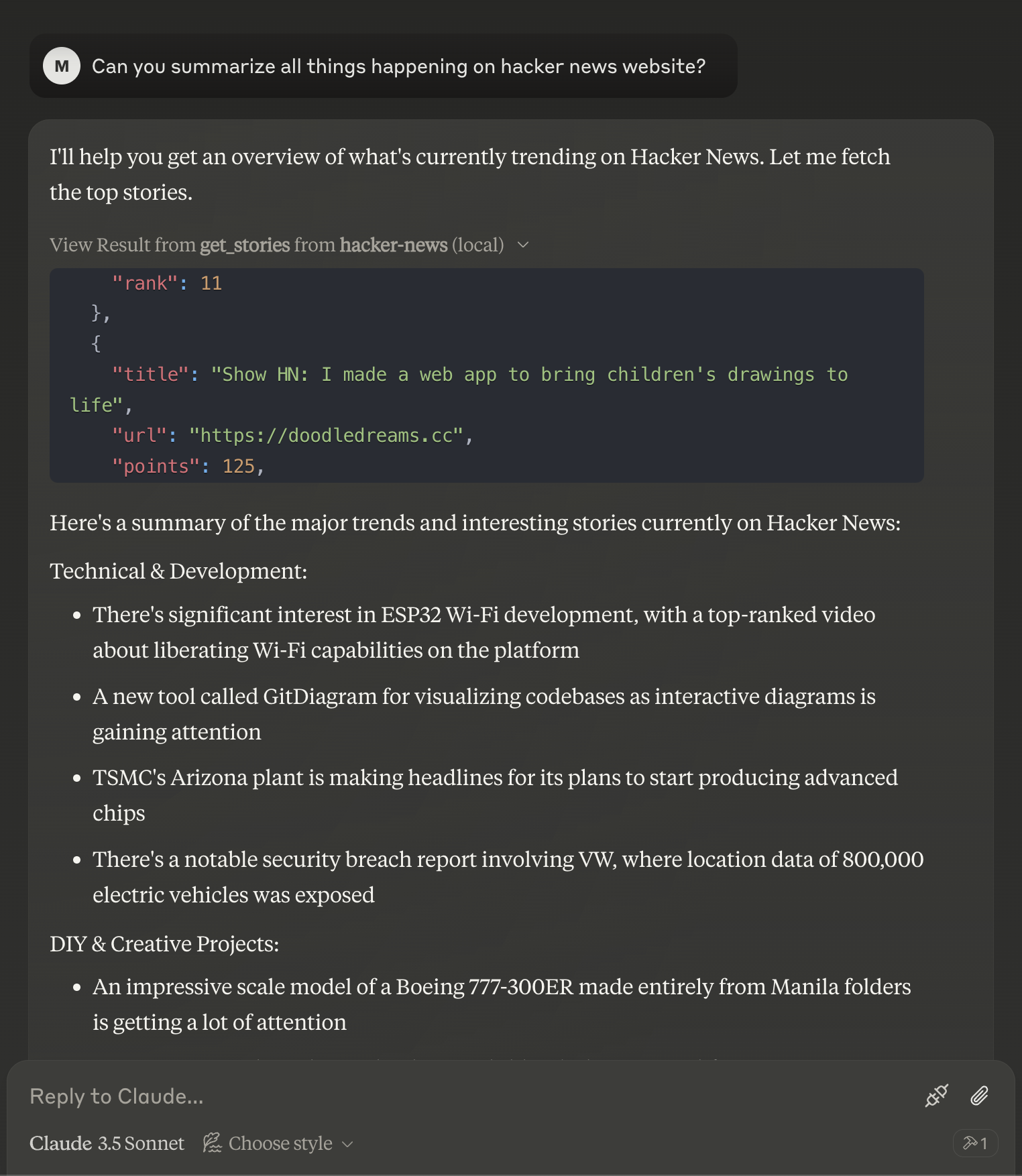
The ### hn-server is a public repository created by the user ### pskill9 on GitHub. It serves as a server implementation for Hacker News, a popular social news website that focuses on computer science and entrepreneurship. This project allows users to interact with Hacker News through a server-side application, enabling functionalities such as fetching news articles, submitting stories, and commenting, all while adhering to the Hacker News API.
Features of hn-server
- Public Access: The repository is open to the public, allowing anyone to view, fork, or contribute to the project.
- MIT License: The project is licensed under the MIT license, which permits users to use, copy, modify, and distribute the software.
- Active Community: The repository has garnered attention with 35 stars and 8 forks, indicating a growing interest and community involvement.
- Easy Integration: The server can be easily integrated with various applications, providing a seamless experience for developers looking to utilize Hacker News data.
- Documentation: Comprehensive documentation is available to help users understand how to set up and use the server effectively.
How to Use hn-server
-
Clone the Repository: Start by cloning the hn-server repository to your local machine using the command:
git clone https://github.com/pskill9/hn-server.git -
Install Dependencies: Navigate to the project directory and install the necessary dependencies. This can typically be done using a package manager like npm or yarn, depending on the project's setup.
-
Run the Server: After installing the dependencies, you can run the server using the command specified in the documentation (usually something like
npm start). -
Interact with the API: Once the server is running, you can interact with the Hacker News API endpoints to fetch news articles, submit stories, and more.
-
Contribute: If you want to contribute to the project, feel free to fork the repository, make your changes, and submit a pull request.
Frequently Asked Questions
What technologies are used in hn-server?
hn-server is typically built using JavaScript and Node.js, leveraging various libraries and frameworks to facilitate server-side operations.
Can I contribute to the hn-server project?
Yes! Contributions are welcome. You can fork the repository, make changes, and submit a pull request for review.
Is there a way to run hn-server locally?
Absolutely! You can clone the repository and follow the setup instructions in the documentation to run it on your local machine.
What is the purpose of the MIT license?
The MIT license allows users to freely use, modify, and distribute the software, promoting open-source collaboration and innovation.
How can I report issues or bugs?
You can report issues by navigating to the "Issues" tab in the hn-server GitHub repository and submitting a new issue with details about the problem you're encountering.
Details
Server Config
{
  "mcpServers": {
    "hn-server": {
      "command": "docker",
      "args": [
        "run",
        "-i",
        "--rm",
        "ghcr.io/metorial/mcp-container--pskill9--hn-server--hn-server",
        "node ./build/index.js"
      ],
      "env": {}
    }
  }
}


